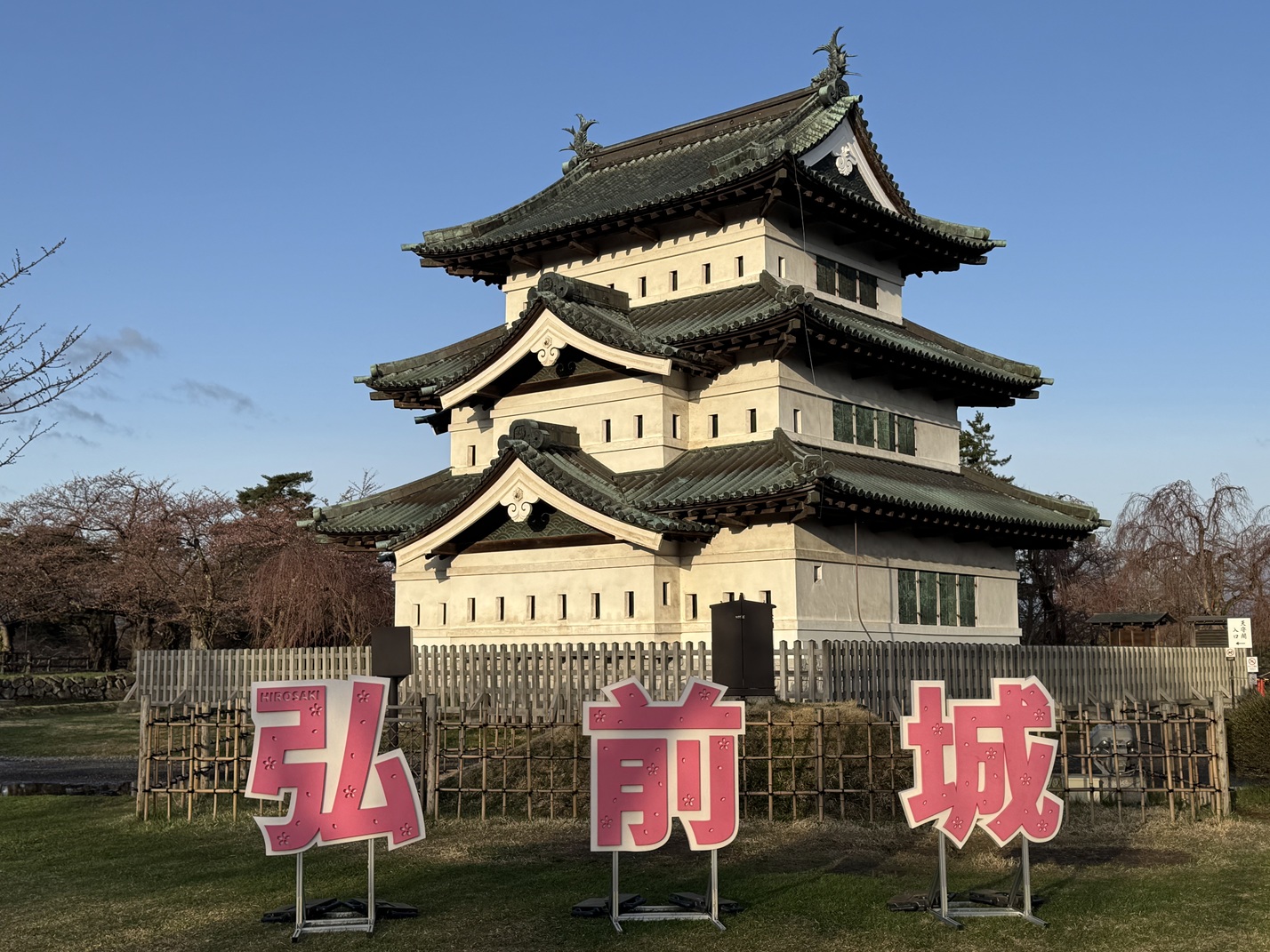
import cv2

# 画像の読み込み
image = cv2.imread('source.jpg')

# サイズの取得
height, width = image.shape[:2]

# 長辺が800ピクセルになるようにリサイズ
if height > width:
  new_height = 800
  new_width = int(width * (800 / height))
else:
  new_width = 800
  new_height = int(height * (800 / width))
image = cv2.resize(image, (new_width, new_height))

# 画像の保存
cv2.imwrite('1.jpg', image)
実行結果
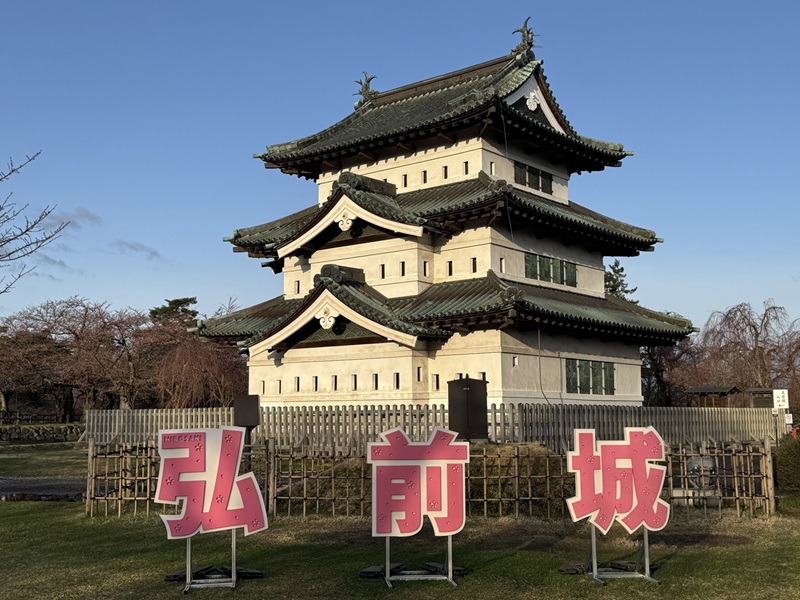
import cv2

# 画像の読み込み
image = cv2.imread('1.jpg')

# 画像のサイズを取得
height, width = image.shape[:2]

# フレームレート
fps = 60

# image writerを用意する
fourcc = cv2.VideoWriter_fourcc(*'mp4v')
out = cv2.VideoWriter('2.mp4', fourcc, fps, (width, height))

# 120フレームで倍率が2倍になるような動画を作る
for i in range(120):
  # 画像をリサイズ
  scale = 1 + i / 120
  new_width = int(width * scale)
  new_height = int(height * scale)
  resized_image = cv2.resize(image, (new_width, new_height))
  x = int((new_width - width) / 2)
  y = int((new_height - height) / 2)
  cropped_image = resized_image[y:y+height, x:x+width]
  out.write(cropped_image)

out.release()
実行例
import cv2

# 画像の読み込み
image = cv2.imread('1.jpg')

# 画像のサイズを取得
height, width = image.shape[:2]

# フレームレート
fps = 60

# image writerを用意する
fourcc = cv2.VideoWriter_fourcc(*'mp4v')
out = cv2.VideoWriter('3.mp4', fourcc, fps, (width, height))

# 元画像を1回転させる動画を作る
for i in range(360):
  # 画像を回転させる
  M = cv2.getRotationMatrix2D((width / 2, height / 2), i, 1)
  rotated_image = cv2.warpAffine(image, M, (width, height))
  # 画像を書き込む
  out.write(rotated_image)

out.release()
実行例
import cv2
import numpy as np

# 画像の読み込み
image = cv2.imread('1.jpg')

# 画像のサイズを取得
height, width = image.shape[:2]

# フレームレート
fps = 60

# image writerを用意する
fourcc = cv2.VideoWriter_fourcc(*'mp4v')
out = cv2.VideoWriter('4.mp4', fourcc, fps, (width, height))

# 元画像をx方向に-60~60°スキューさせる動画を作る
for i in range(-60, 61):
  # iをラジアンに変えて正接を求める
  rad = np.deg2rad(i)
  tan = np.tan(rad)
  # X方向のスキュー行列を作成
  skew = np.array([[1, tan, 0], [0, 1, 0], [0, 0, 1]], dtype=np.float32);
  # スキュー変換
  skewed = cv2.warpPerspective(image, skew, (width, height))
  # フレームを書き込む
  out.write(skewed)

out.release()
実行例